The Hearthstone tracker for Mac.
A free Mac app that follows each game from Hearthstone’s own log, keeps a deck tracker beside the game, and sends every game to your Lolumen account.
Free on every plan · The overlays work before you connect an account
On Windows? Lolumen is a Mac app for now. The web tracker logs games in a few keys or from Hearthstone’s Power.log.
The Lolumen desktop app runs on a Mac. Open this page on your computer to download it, or use the web tracker from here.
Over the game. Out of the way.
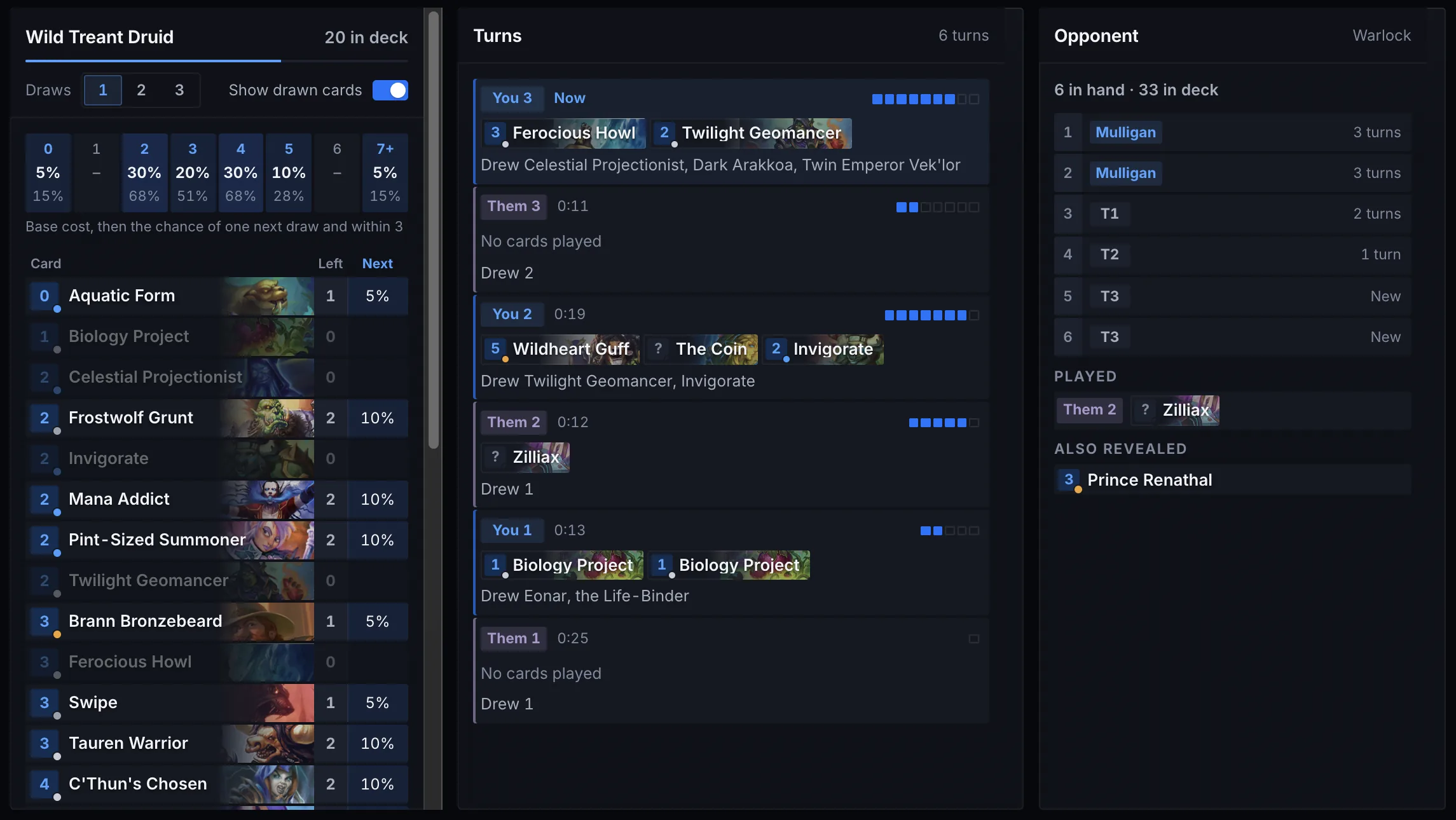
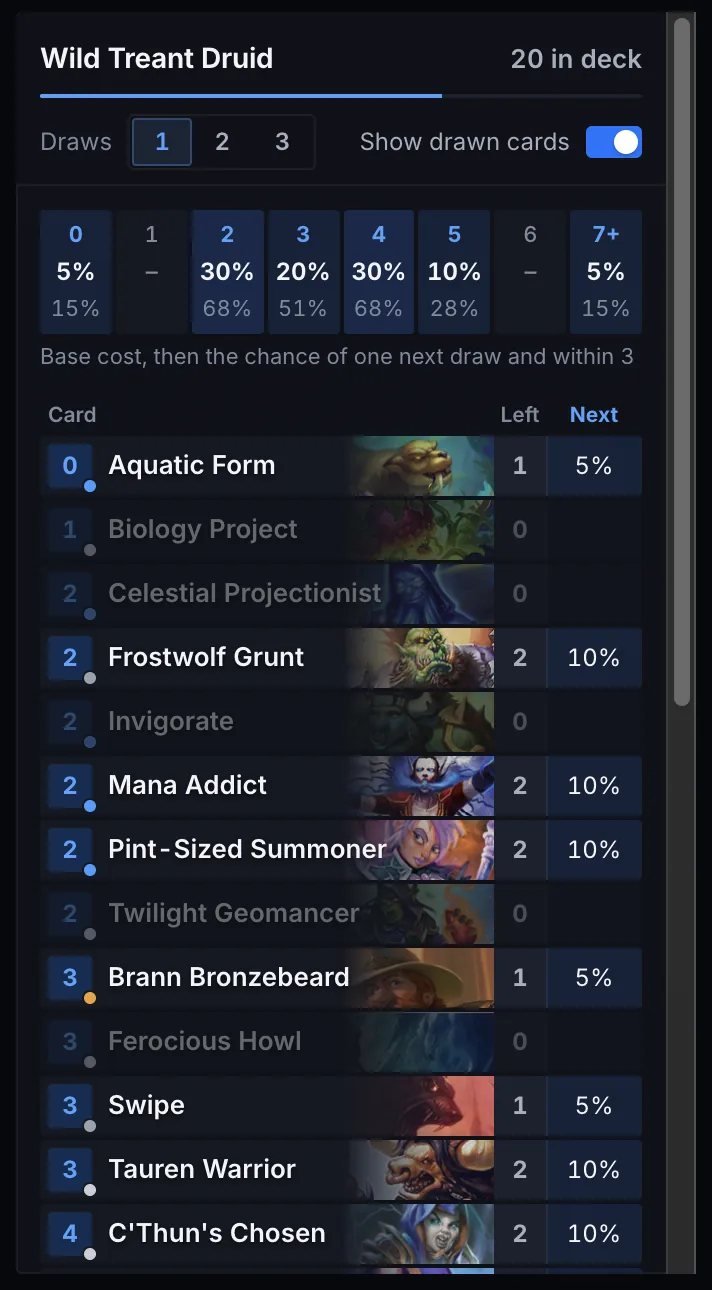
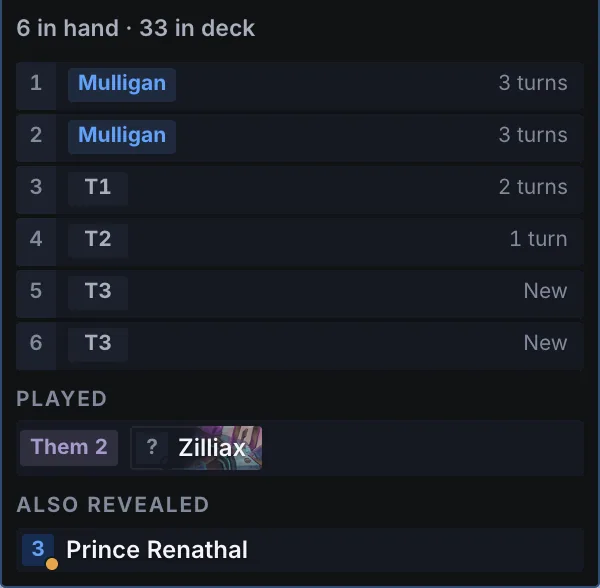
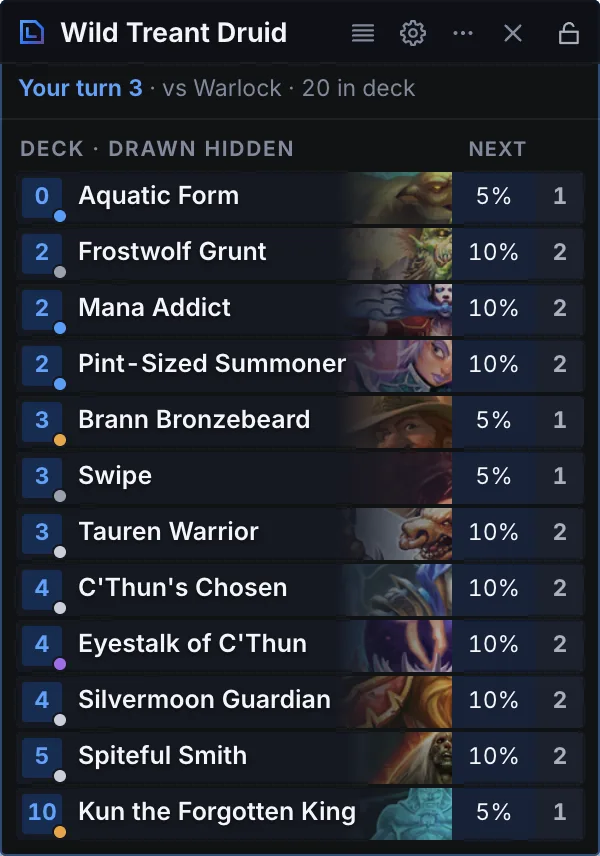
Two small windows float over Hearthstone and open without taking the focus from the game.
- Your deck, as it stands. What’s left in the deck you queued, and each card’s chance of being your next draw, with the copies left.
- Their cards, as they’re revealed. The opponent’s hand slot by slot with the turn each card came in, their secrets, what they’ve played, and the cards known to be back in their deck.
- Locked, clicks go to the game. Lock the overlays and every click passes straight through to Hearthstone. Shortcuts show, hide or lock them while you play.
Only the logs.
Lolumen only reads what Hearthstone writes down for itself.
Only the logs
It reads the log files Hearthstone writes. To have them written, it turns on logging in log.config and lifts the 10 MB log size limit in client.config, leaving the rest as it was.
Never the game’s memory
It never reads or changes the game’s memory, and never runs anything inside the game.
Never plays for you
It never sends a click or a key to Hearthstone, and never automates anything. Its shortcuts only show, hide or lock Lolumen’s own windows.
Nothing hidden
It shows only what the game has already shown you: an opponent’s card appears once it’s revealed, never before.
Lolumen is an independent app. It isn’t made by Blizzard or affiliated with it. Fair play lists everything it reads, changes and sends.
Every game, sent for you.
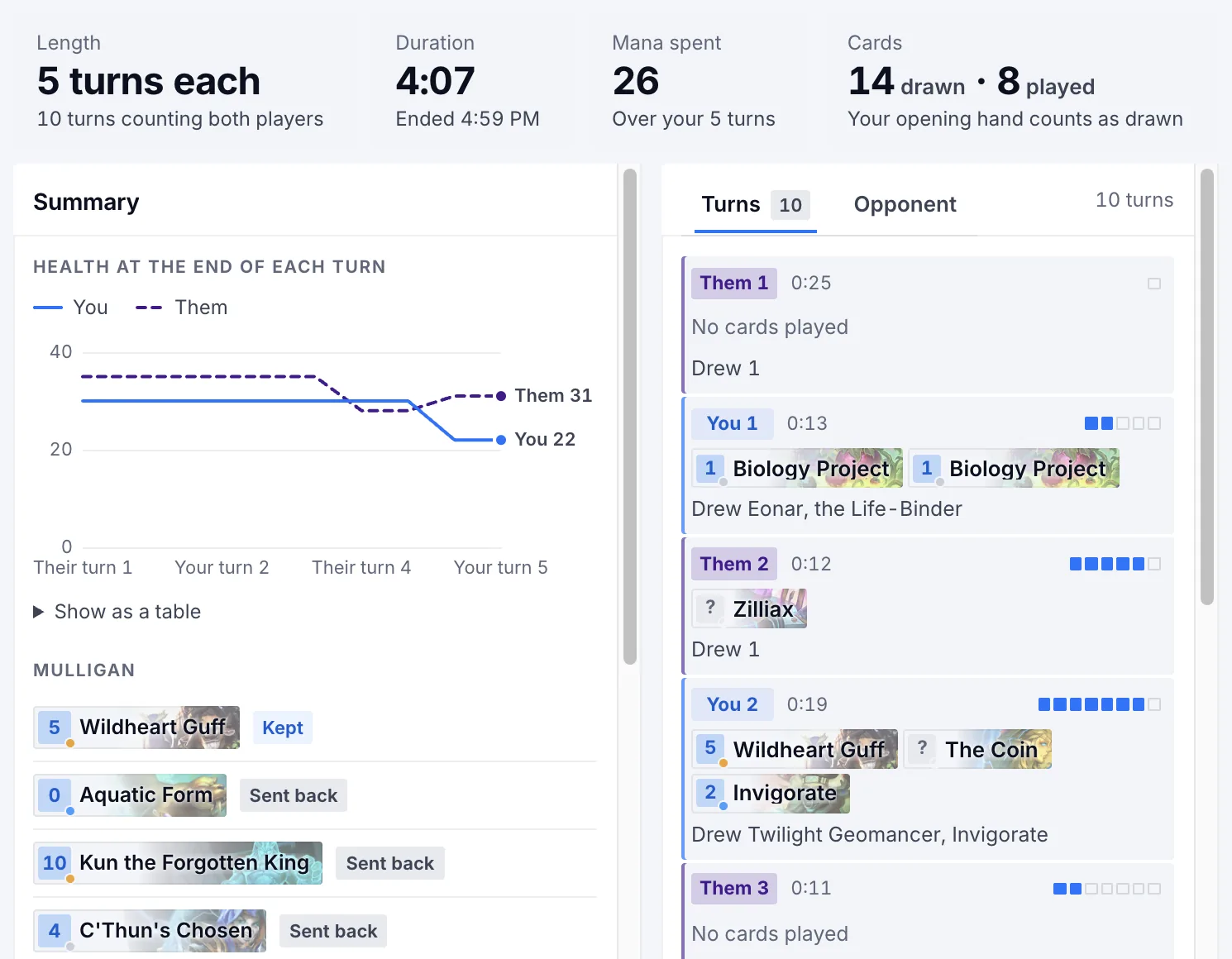
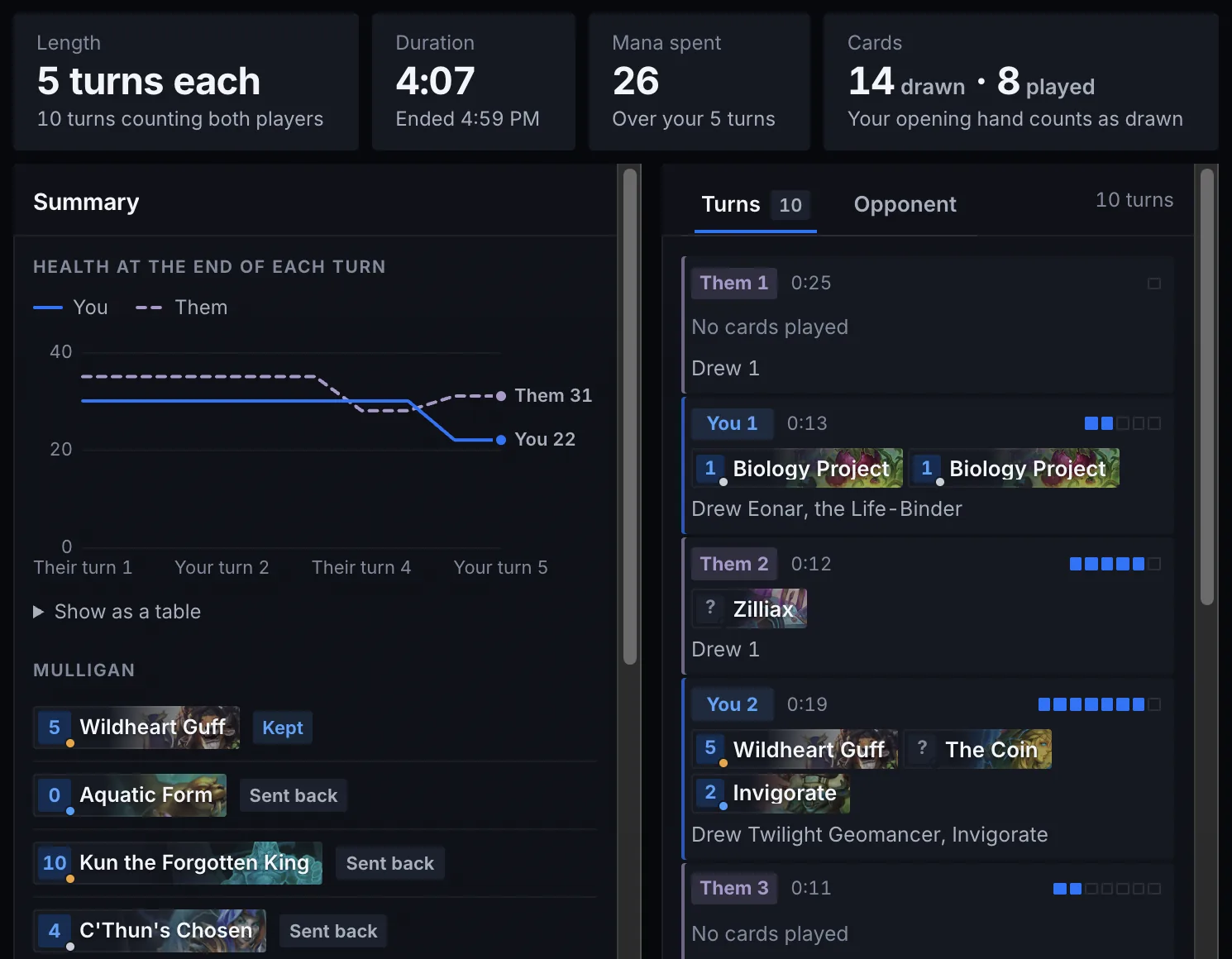
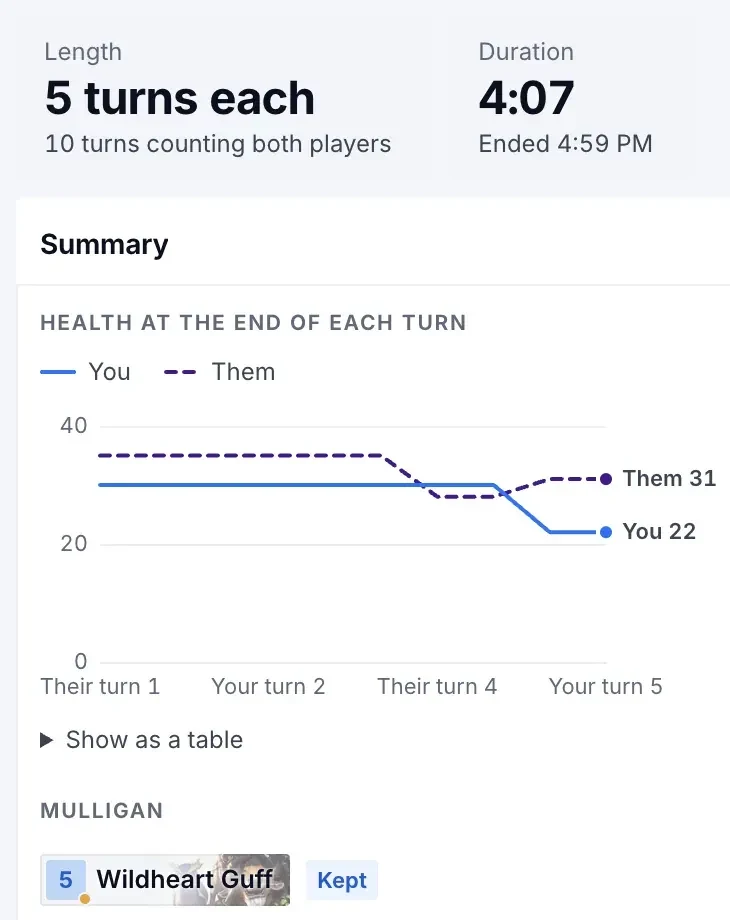
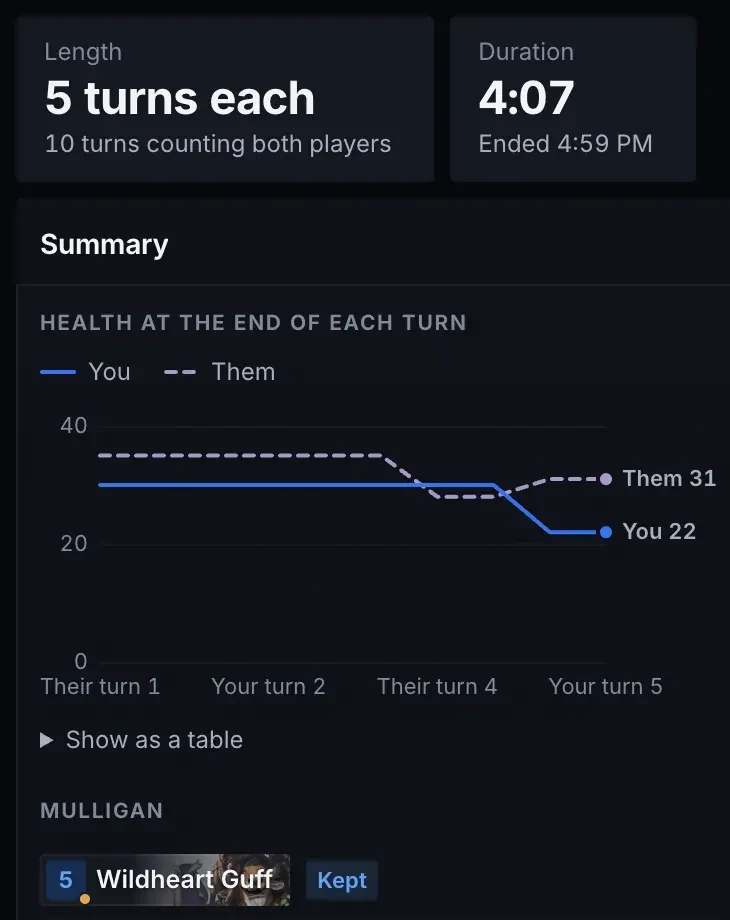
When a game ends, the app shows its summary and sends it to your Lolumen tracker, with its deck. There’s nothing to log by hand.
- The live view. The game in a full window: your deck with the odds of the next draw or the next few, the game turn by turn, both sides’ cards and the mulligan.
- Analytics. The site’s analytics for your decks, worked out the same way and within the same plan.
- Games and decks. Your whole history, paged and filtered, and each saved deck with its list, curve, record and matchups.
- Your collection. The decks in your Hearthstone collection, read from its log, each saved to Lolumen in one click.
Free on every plan.
Install in three steps.
Download it
Get the disk image from the top of this page.
Drag it into Applications
Open the .dmg, drag Lolumen into your Applications folder, and open it from there.
Connect your account
Choose Connect in the app and confirm in your browser.
A Lolumen account is free: create one. You’re signed in already, so connecting is one click.The first time it runs, the app turns on Hearthstone’s logging. Hearthstone reads that setting when it starts, so if it’s already open, restart it once.
Questions.
Is it free?
Yes. The app is free, and so is every game it tracks, on every plan.
Premium adds the deeper analytics, in the app and on the site: every deck by matchup, the coin, game length and rank, card performance, and your whole history rather than the last 30 days.
Does it slow the game down?
It runs beside the game, not inside it. Each second it reads only the lines Hearthstone has added to its logs since it last looked, and the overlays are ordinary windows above the game. Hearthstone writes the logs itself, as it does for anyone who turns its logging on.
Which data leaves my computer?
To your own Lolumen account it sends only each game you finish (both classes, the result, who went first, the format and mode, how many turns, when it was played, the cards each side played, the cards you saw, your mulligan and the deck you queued), the decks you choose to save from your collection, and, when you connect, your computer’s name, so you can tell your computers apart in Settings. Each request carries the app’s version.
It never sends the logs themselves, anyone’s name, or anything else on your computer. A game’s turn-by-turn record stays on your computer. Disconnect a computer in Settings and it stops straight away.
Apart from that, it only downloads: the pictures of the cards it shows, your account picture, and, shortly after it opens and every few hours, a check for a new version of the app, from GitHub, where its releases are published (and the new version, when there is one). That check carries a random ID made for this copy of the app.
Do I need an account?
To download it and to keep your games, yes, and it’s free. Once it’s installed, the live view and the overlays work before you connect, and the games you finish wait on your computer until you do.
Is there a Windows version?
Not for now. Lolumen is a Mac app; the Windows beta has been withdrawn, and a copy already installed no longer updates.
On Windows, the web tracker works in any browser: log games in a few keys, or import them from Hearthstone’s Power.log.